
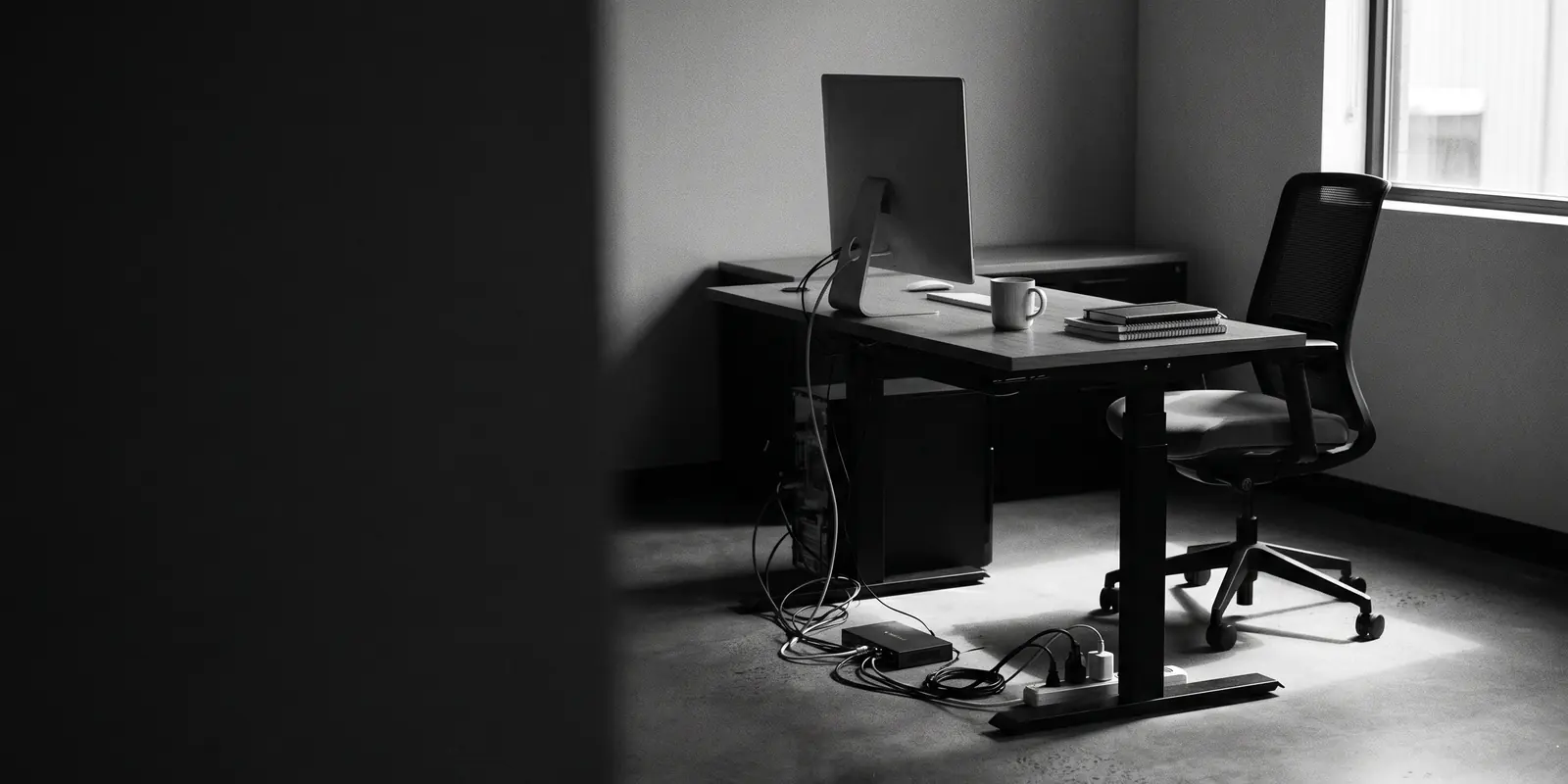

Everyone has one of those cupboards at home. The door shuts, nothing falls out, so you leave it alone. Until you open it one day and think: how did it get this messy in here?
We run into the same thing at businesses almost every week. Not because anyone did a bad job, usually quite the opposite. You were busy, the business grew, and your IT simply grew along with it.
How that clutter builds unnoticed
A tool was added to solve something. A system came in when a few people joined. A quick fix during a hectic week that quietly stuck around. Each one a sensible choice. But nobody ever looks at the whole, and slowly it becomes a cupboard no one dares open anymore.
We call that IT clutter: all the systems, licences, accounts and temporary fixes you don’t really need anymore, but that are still there. It doesn’t break anything. It just makes everything a little slower, more expensive and less clear than it needs to be.
When we come into a new business, we tend to find the same things. A subscription that’s been running for months while no one uses it. Two systems doing more or less the same job, at a wholesaler, say, a loose stock list alongside the WMS because “that’s how it’s always gone”. Software that’s just always been there. The account of a colleague who left last year and can still get in everywhere. An old machine PC that “briefly” went onto the network and is still hanging off it now. None of it feels dramatic enough to act on. And that’s exactly why it stays.
What it quietly costs you
The frustrating part is that clutter rarely causes a big outage. It causes friction. People hesitate over which system to use. Information sits in too many places, so a simple question suddenly eats half a morning. And money leaks away where no alarm goes off: duplicate licences, subscriptions nobody cancels, a package no one’s looked at in a year. On its own it’s all small. Added up, it weighs more than you’d think.
That’s really the heart of it: you don’t pay for the clutter you can see, but for the clutter you can’t. And what you can’t see, you can’t steer.
Tidying up isn’t a renovation
Now, “tidying up” tends to conjure up a big, scary project where the whole place is down for a week. That’s not how we work. Cleaning up doesn’t mean ripping everything out and starting over. It means keeping what works, organising what’s useful, and only removing what genuinely adds nothing. It’s not a renovation. It’s simply calm and clarity again.
Don’t start by tidying. Start by seeing.
And you don’t have to change anything today. The first step is just opening the door: getting a picture of what you have, what’s running twice, and what’s long forgotten. Once that’s clear, the next steps become obvious on their own.
That’s where we always start too. In a risk baseline we use MIRA to map your entire IT environment: the risks, but also those quiet cost items. In black and white, in plain language, no sales pitch. Just an honest picture of what’s there. What you do with it afterwards is up to you.
A few questions we often get
How do I know if my IT is “cluttered”?
You often feel it more than you see it. You’re not sure which subscriptions you’re paying for, new people are waiting on access, or your team uses three systems side by side for one task. On their own, none of these mean much. Together they’re a sign there’s room to tidy up.
Doesn’t cleaning up cost time and money itself?
In the short term it asks for some attention, fair enough. But most of the gain is in what you stop paying afterwards: duplicate licences, emergency fixes and hours that leak away on workarounds. That clarity usually pays for itself fast.
Do we have to replace everything?
No, quite the opposite. The bulk simply stays. We remove what no longer does anything and organise the rest, so your IT supports your work again instead of getting in the way.
Curious what’s hiding in your IT? Take the free security scan and see where you stand in a few minutes. Or just book an intro call, and we’ll take a look together.
